My father once drove forty minutes to the pharmacy for a refill that had been waiting on a doctor's approval for three days. Nobody had done anything wrong. The request had simply moved from one system to another, and no one had told him. That is the moment I started teaching people how to use a patient portal alongside their pharmacy app, because the two handle different halves of the same job. I spent eleven years as a patient-portal trainer for a regional healthcare system, and the clearest lesson from those years is that refills, reminders, and results each live in a specific place — and once you know which place, the waiting mostly stops.
This guide sorts out who does what, how to build reminders that actually fire, which medical apps earn space on a phone, and when picking up the telephone beats tapping a screen.
Refills: Who Handles What
Most refills can be requested in three places, and knowing which one holds your prescription saves the most time.
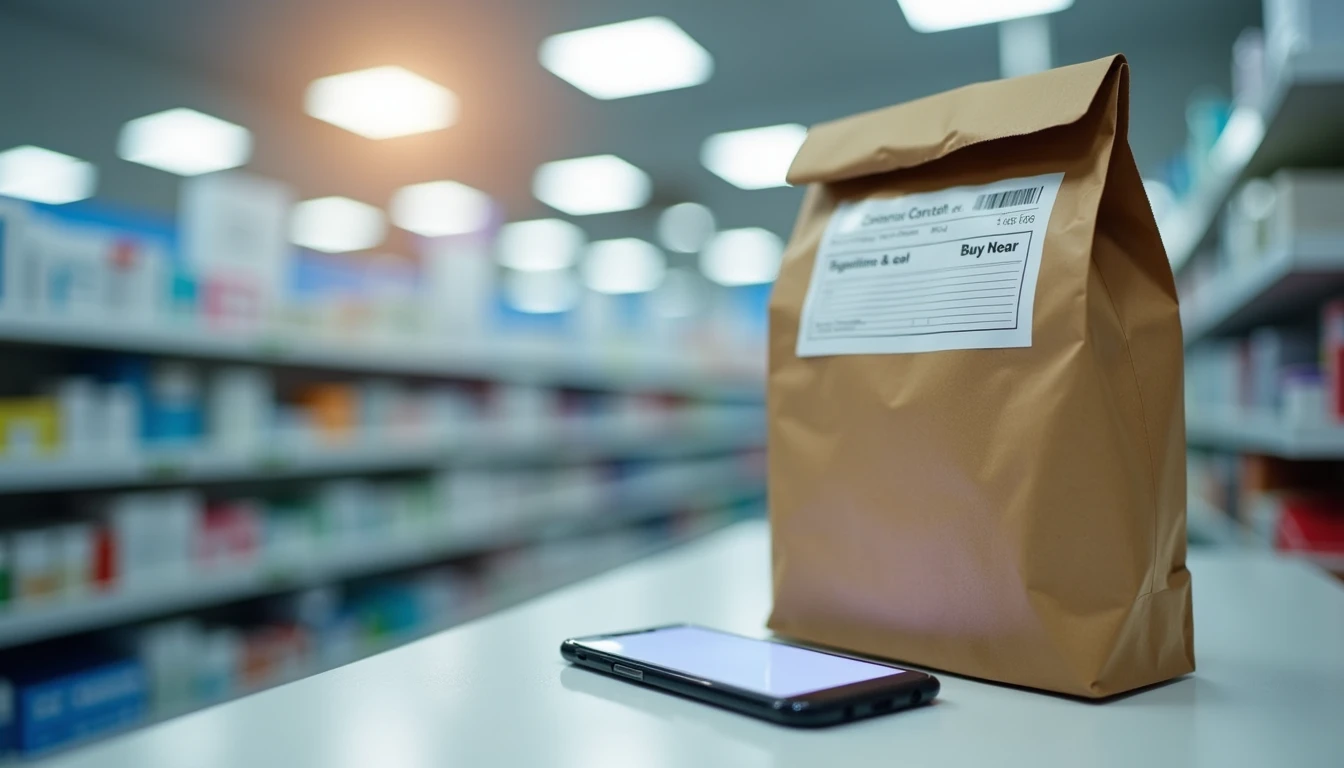
The pharmacy's own app or website is the fastest route for routine refills of a medicine you already have. This is the right choice when you simply need more of something.
The clinic's patient portal is the right choice when the prescription has run out of refills and a clinician has to approve a new one, or when you need a dosage change.
The telephone always works, and it is the right choice when you are nearly out, when the medicine is urgent, or when the screen is confusing you.
Here is the part that explains most delays. Your pharmacy can refill what a doctor has already authorized. The moment the authorized refills reach zero, the pharmacy must send a request to the clinic, and the clinic's staff must review it. That review happens during clinic hours, not at the pharmacy counter at nine in the evening. If you are down to your last few pills, ask for the refill a week early rather than the day you take the last one. A pharmacist can also tell you whether a medicine needs a fresh prescription each time, which is true for some controlled medications.
Reminders That Actually Work
An appointment reminder only helps if it reaches you where you already look. Most people run three or four reminder channels at once, and that is fine — redundancy is a feature here, not clutter. Portal notifications are the part of how to use a patient portal that people most often forget to switch on.
Where the reminder lives | How it behaves | Good for |
|---|---|---|
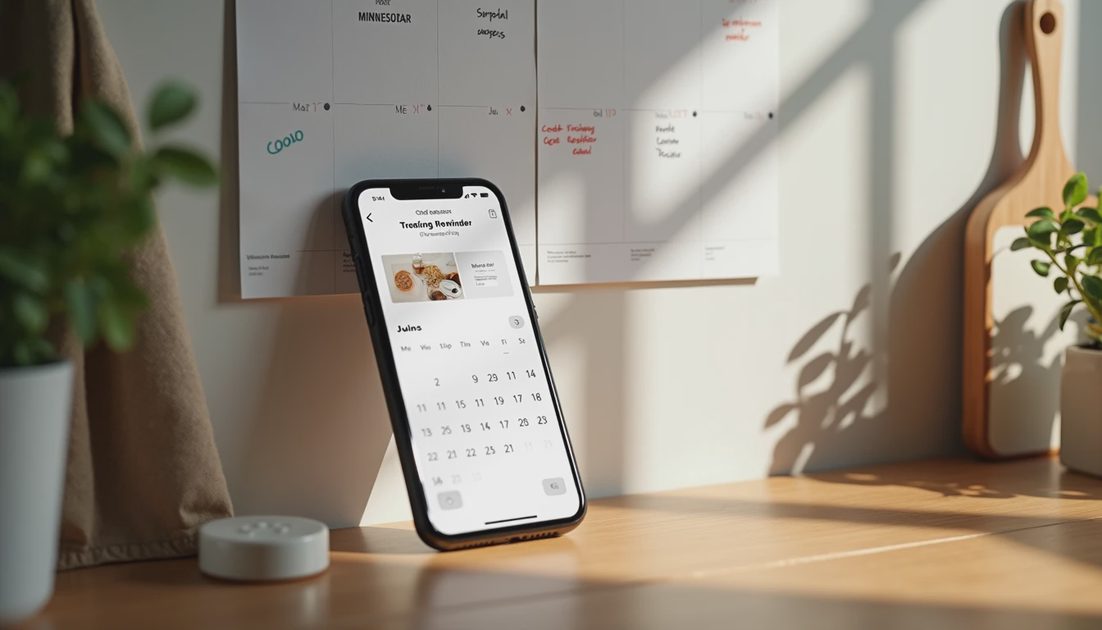
Your phone's calendar | You control it; it shows on the lock screen and can alert you twice | Visits you schedule yourself, plus refill dates |
Portal notifications | Sent by the clinic; usually appear only inside the clinic's app | Schedule changes, new results, non-urgent messages |
Pharmacy text messages | A short text when a refill is ready for pickup | Knowing when to drive over |
A paper calendar on the refrigerator | No battery, no updates, visible to everyone in the house | The household view and anyone who helps you |
Two settings decide whether a phone reminder works. First, the phone needs permission to send notifications from that calendar or app — on an iPhone, Settings, then Notifications, then the app; on Android, Settings, then Apps, then the app, then Notifications. Second, the calendar entry itself needs a reminder set to something useful, such as one day before and two hours before.
Your checkpoint after adding an appointment: open the calendar to the correct date and you should see the visit listed with a time. If it is not there, the entry did not save, and no alert will come. The same check applies to a refill date you add yourself: pick the day you will be down to a week of pills and label it clearly.
Which Medical Apps Are Worth Having
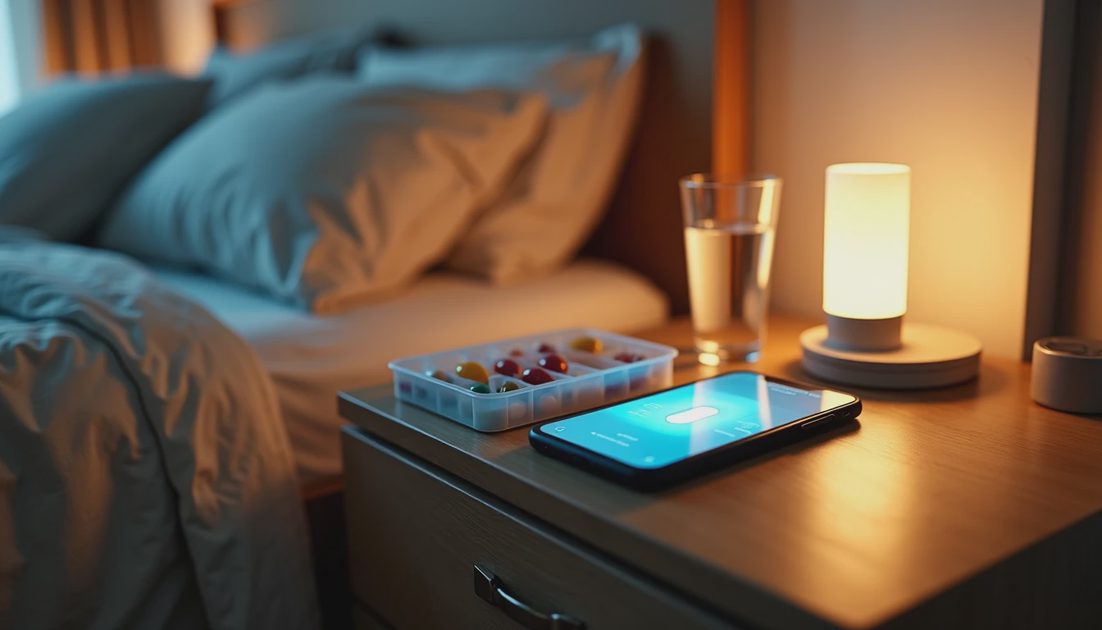
A phone does not need a dozen health apps. It needs three or four that come from sources you can identify: your clinic's official portal app, so messages and results arrive without a browser; your pharmacy's official app, for refills and pickup status; your insurance company's app, which usually holds a digital ID card, claim history, and copay details; and a simple notes app or a paper card for your medication list, which is the single most useful thing to have at a new appointment.
A few categories are worth skipping. Apps that promise to diagnose a condition from a photo or a symptom quiz are not a substitute for your clinician. Apps that ask for your full medical history before showing you anything are collecting data you cannot get back. And any app that asks you to pay to "unlock" results that came from your own clinic should be deleted, because your clinic's portal shows those at no cost.
When you install anything, check the developer name under the app title and read two or three reviews that mention your own clinic or pharmacy by name. When in doubt, ask the front desk for the exact app name.
Keeping Health Information in One Place
Scattered information is what turns a routine question into a stressful afternoon. One page fixes it, whether it is paper or a note on your phone.
Current medications, with the dose and how often you take each one
Allergies and reactions, including what happened
Ongoing conditions and past surgeries, with rough dates
Names and phone numbers of clinicians, plus the pharmacy
Insurance plan name, member number, and the portal's web address
Update the page whenever something changes, and keep a copy where a family member could find it in an emergency. If you help a parent from a distance, most portals allow you to request proxy access, a setting that gives you your own login to their record with their permission — for families living apart, it is the piece of how to use a patient portal that matters most. My parents live two hours away, and proxy access is why I can answer "did the results come back" without a phone tree. Evan reminds me that I keep the same page for our household in a kitchen drawer, right beside the recipe cards — which is where I found it the last time Miles needed his immunization dates for a school form.
When to Just Call the Pharmacy
Some questions deserve a person, and pharmacists answer them quickly by phone or at the counter.
You are out of a medicine or nearly out, and the app still shows it as pending after two requests.
A new side effect appears, or you are unsure whether two medicines can be taken together.
The cost at pickup is not what you expected, and the screen does not explain why.
The prescription was sent to the wrong pharmacy, or you are traveling and need it transferred.
You cannot get the app to accept your refill request at all.
For a medication that has just been changed or stopped, call rather than relying on the app's list, which may lag a day or two behind your chart. And for anything urgent — a serious reaction, trouble breathing — call 911 rather than any app.
If you are still getting comfortable with smartphone basics for seniors, start with one task on one screen: open the pharmacy app and look at the status of your refills. Nothing you tap on that screen will send an order by accident, and you are not going to break the phone by looking at this screen. The first refill you request from your kitchen table, instead of from a car, is the one that makes the habit stick. Let's make the next click the easy one.