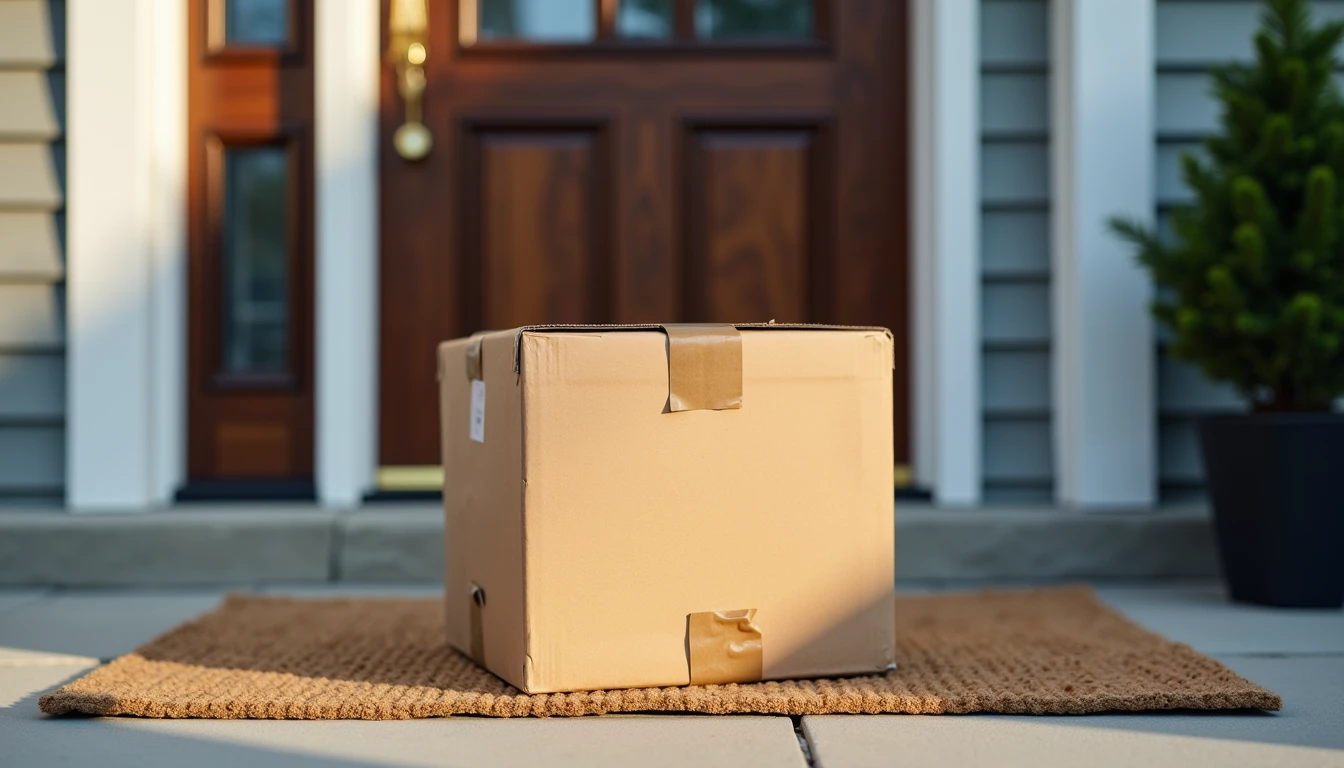
The message reached my mom on a Thursday while she was waiting for a birthday gift she had ordered for Miles: "Your package cannot be delivered due to an incomplete address. Reschedule here for $1.99." She forwarded it to me with a single question mark, because she lives two hours away and could not just hand me her phone. Two things made me uneasy on her behalf. She was expecting a real package, and the fee was small enough to feel like a nuisance rather than a threat. That combination is the whole design. When I teach people how to tell if a text message is a scam, delivery notices are where I start, because nearly everyone is waiting for something at some point in the year.
The short version: the delivery is usually not real, the fee is never the point, and there is a safer way to check any package in about thirty seconds.
What a Fake Delivery Message Looks Like
A fake delivery notice is built to feel boring and routine, so your first instinct is to clear it out of the way. Here is how the details differ from a genuine carrier notification.
Detail | Fake delivery message | Real carrier notification |
|---|---|---|
Carrier name | Vague or missing — "your parcel," "the post office" | Names the carrier you actually chose at checkout |
Money | A small fee, often under three dollars, to reschedule or release the package | Carriers do not collect redelivery fees through a text link |
The link | A shortened or oddly spelled web address | Sends you into the carrier's own app or a link to the carrier's real website |
Tracking number | Missing, or a random string that matches nothing you ordered | Matches a shipment you can look up yourself |
Timing | Arrives whenever, but often when shopping is heaviest | Tied to an order you placed and can find in your email |
These messages arrive as texts and as emails that imitate the same wording. A useful detail to notice: a real carrier already knows your address. If a company claims it cannot deliver because your address is incomplete, the company that already has your package would not be asking a stranger with a phone to fix it. That contradiction is the quickest answer to how to tell if a text message is a scam.
Why Tapping the Link Is the Risky Part
The link is not the delivery. It is a copy of a page. Phishing is the practice of building a page or message that looks close enough to the real thing that you type your information into the wrong place.
Three things can follow a tap, and only the first one costs a couple of dollars.
A fake payment page that collects your card number, expiration date, and security code — the small fee exists to make handing over a card feel reasonable
A fake sign-in page that collects your email or bank password, which can unlock far more than one package
A download that installs something unwanted, which is why a page that asks you to install an app for tracking is worth closing immediately
Notice that the two-dollar fee is never the goal. The card number is the goal. A thief who gets a full card number does not need the fee to clear.
The Safe Way to Check Any Package
Ignore the message and look at the order instead. Every real shipment can be checked from a place you chose, not from a link that chose you.
Open the store's app or website where you placed the order, and use the tracking link the store provides
Or open the carrier's own app and paste the tracking number you already have from your order confirmation
If you have no tracking number, type the carrier's website address into the browser by hand rather than tapping a link or a search result
Turn on notifications inside the carrier's app so real updates come from a sender you selected
Once you set that up, the messages that matter reach you on their own, and everything else can be treated as noise. My mother now keeps the store app on the first screen of her phone, and she checks it before she checks her messages — a small change in order that removed most of the guesswork. Checking the order first is the whole method behind how to tell if a text message is a scam: trust the place you already know, not the message that arrived on its own.

If You Already Tapped the Link
Take a breath. A tap by itself is rarely the problem; what matters is whether anything was typed. The two paths below are different, and it helps to know which one you are on.
Nothing was entered on the page
In most cases nothing was sent to anyone, because the page simply displayed. Close the tab, delete the message, and forward it to 7726 as described below. If the page asked you to download something and you declined, you are still on this path — and if you accepted, restart the phone and ask someone to look at it with you.
Information was entered
Call the number on the back of your card and ask for the card to be replaced, since a new number is the cleanest fix
Change the password for the account you typed into, and change it anywhere else you reused it — this is the core of what to do after clicking a phishing link
Turn on extra sign-in security for your email, because email is the master key for password resets
Watch your statements for a few weeks, and ask the bank to send an alert for every charge
If it was your bank password, call the bank today rather than waiting to see whether anything happens
Deleting and Reporting
Forward the suspicious message to 7726, the free reporting short code used by the major US carriers, then delete it and block the sender if your phone offers that option. Forwarding takes ten seconds and helps carriers shut down numbers that are being used this way.
Two more habits make the whole thing lighter. Tell your bank's fraud line if you typed a card number anywhere, even if no charge appears. And tell the person who sends you screenshots — in our family that is me — so nobody has to decide alone at the kitchen table. Evan and I have watched both of our parents become quicker at this over the years. Lila, who is twelve, now spots the vague carrier name before her grandmother finishes reading the text aloud. Let's make the next click the easy one.