
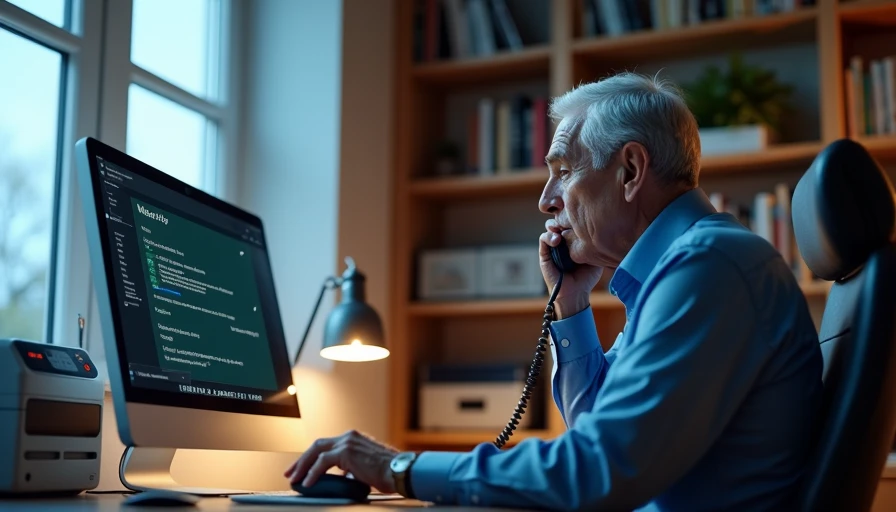
My father-in-law called us on a Tuesday evening because a man with a very calm voice had told him his computer was "sending out viruses" and offered to clean it up for a fee. Evan was in the kitchen grading lab reports — he teaches science at a high school here in Minneapolis — so I took the call in the hallway with a dish towel still in my hand. What struck me was not the request. It was how reasonable and polite the caller sounded, and how embarrassed my father-in-law felt for listening to him at all. He had done nothing wrong. Most of what I know about how to avoid online scams for seniors comes from eleven years of phone support, where I learned that the script is the same every time and so is the exit: say no, hang up, and call the company yourself.
The good news is that a fake support call falls apart the moment you stop cooperating. You do not have to outsmart the caller or win the argument. You only have to end the conversation.
How the Fake Tech-Support Call Unfolds
If you know the four moves in advance, the call stops being confusing. Almost every one of these calls runs in the same order.
An unexpected call about a problem you never reported
A request to let them "take a quick look" at your computer
A warning you can only see because they are showing it to you — errors, warnings, a hacker in your router
A payment request, usually urgent, often by gift card, wire transfer, or a link
Step two is the one that matters most. Remote access means letting someone else see your screen and move your mouse from another location, as if they were sitting at your desk. Once that happens, they can open your banking site, copy files, or simply watch you type a password. Step three is theater: they open a window on your screen that lists "problems," then offer to fix what they just displayed. Step four is the real goal, and it usually arrives with a deadline attached. Seeing the moves laid out in order is most of how to avoid online scams for seniors, because recognition is faster than suspicion.
What to Do While the Call Is Happening
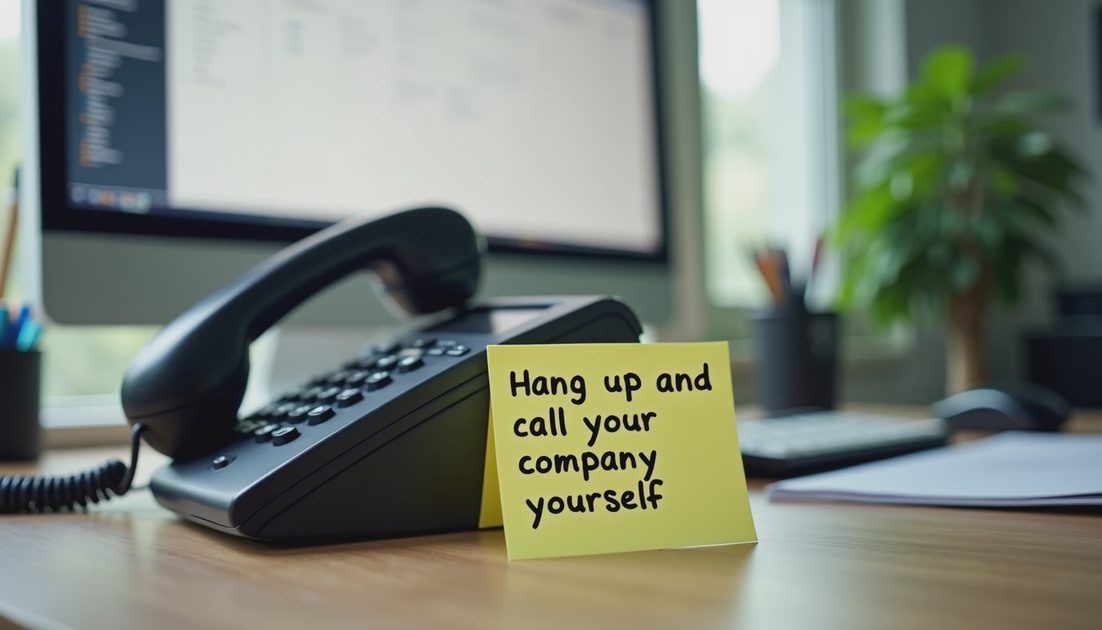
Say no, and hang up. That is the whole instruction. It is not rude, and you do not owe a stranger an explanation about your own household.
Do not confirm anything about your computer, your router, or your accounts
Do not install any program they suggest, no matter how official the name sounds
Do not read out passwords, account numbers, or codes from your phone
Do not stay on the line to be polite — politeness is what the script is counting on
Do not call back the number they give you, and do not call back a missed call from that number
If you want a sentence ready in advance, try this one: "I don't do this over the phone. I'll call the company directly." Then set the phone down and hang up. This is the part of technology help for elderly parents that nobody warns families about — the calls are built to sound like customer service, and customer service is exactly what our parents were raised to be gracious to. A family rule replaces that reflex with something simpler. If someone is rushing you, that is a reason to slow down.

Why You Never Hand Over Remote Access
A remote-access program is not a diagnostic tool in the hands of a stranger. It is a set of keys. With it, a caller can open a browser, visit your bank, start a transfer, and copy documents while you watch and try to follow along. Some of them also install a small program that starts again every time the computer turns on, which is why the honest answer after one of these calls is usually "let a repair shop look at it."
Two things worth saying out loud at the kitchen table. First, no major software company monitors your home computer and phones you about a virus. Second, your internet provider does not call to warn you that your router has been hacked; if a provider actually needs to reach you, it writes to the address on your bill. A real technician will also never ask you to pay with a gift card, because no company on earth accepts gift cards as payment for support.
How to Verify a Support Call Yourself
If the call left you wondering whether it was genuine, check it on your own terms.
Hang up all the way. On a landline, wait a minute or use a different phone before you make an important call
Find the company's support number yourself — on your bill, inside the company's app, or by typing the company's website address by hand
Describe what the caller told you and ask a direct question: "Do you make calls like this?"
If you already installed something or paid, call your bank and the real support line the same day, and ask for the fraud team
Verifying on your own terms is what turns how to avoid online scams for seniors into something you do rather than something you worry about.
A Family Agreement: What to Say Before You Hang Up
Evan and I wrote a short agreement with our kids and with both sets of parents, and it takes about a minute to read out loud. Four lines, nothing more.
We never give remote access to anyone who calls us
We never pay for support with a gift card or a transfer
We hang up, then call each other to compare notes
Nobody gets in trouble for hanging up
That last line is doing more work than the other three. Embarrassment is what keeps people on the phone, and a no-blame rule removes it. Our son Miles, who is nine, can now recite the four lines, which means his grandparents hear them twice — once from me and once from him, in a voice that makes them laugh. Let's make the next click the easy one.